

It all began after reading brutecat's blog on how they were able to leak the phone number a Google account by abusing the username recovery form to brute force possible phone number combinations (go read it). After taking a look at the form myself, it got me thinking - how would they be able to protect against brute-force attacks if the whole point of the form is that you're an unauthenticated user?
The username recovery form allows users to find their Google account and log into it only by using a phone number and account name.
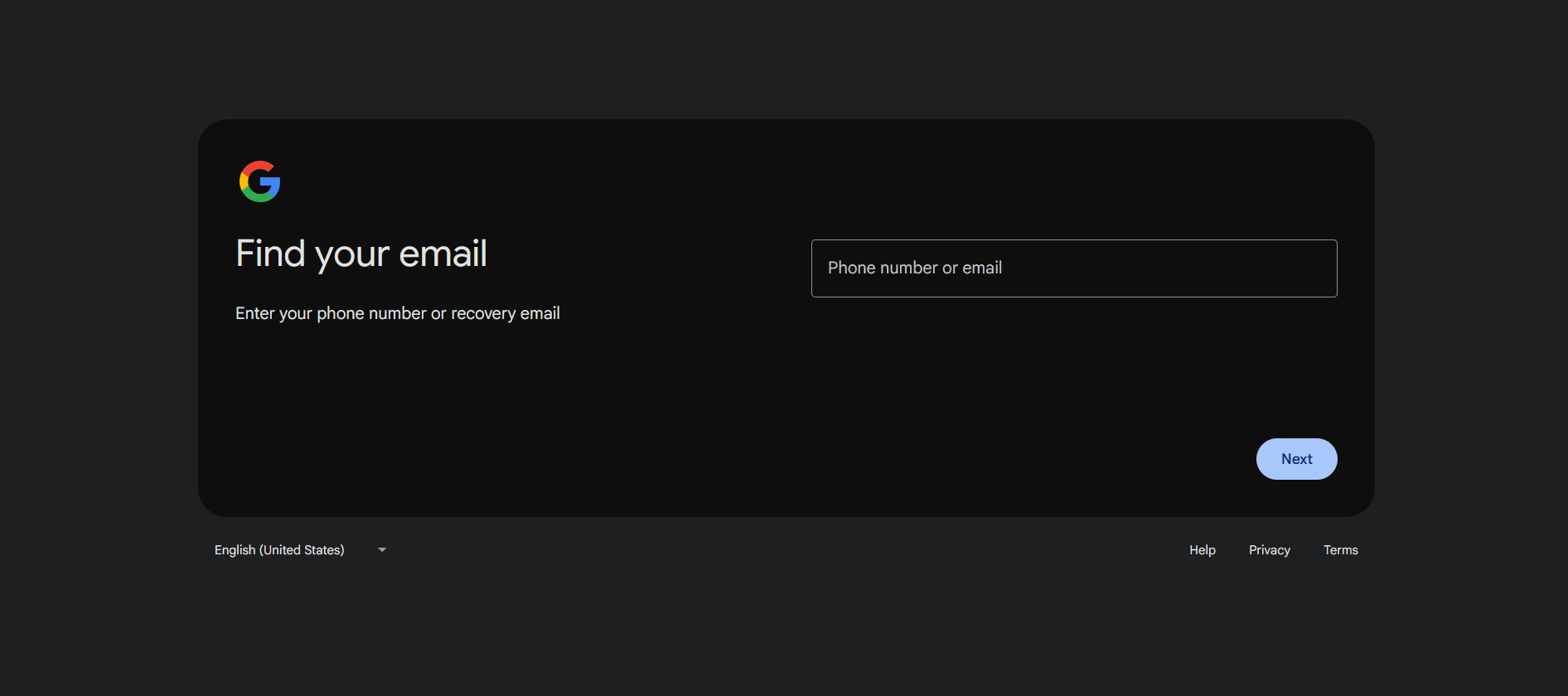
When visiting the username recovery form you'll be first greeted by the following page asking for a phone number or email.
Entering an email address will result in no account being found even if you enter a valid combination of email and account name. I don't know why that is.
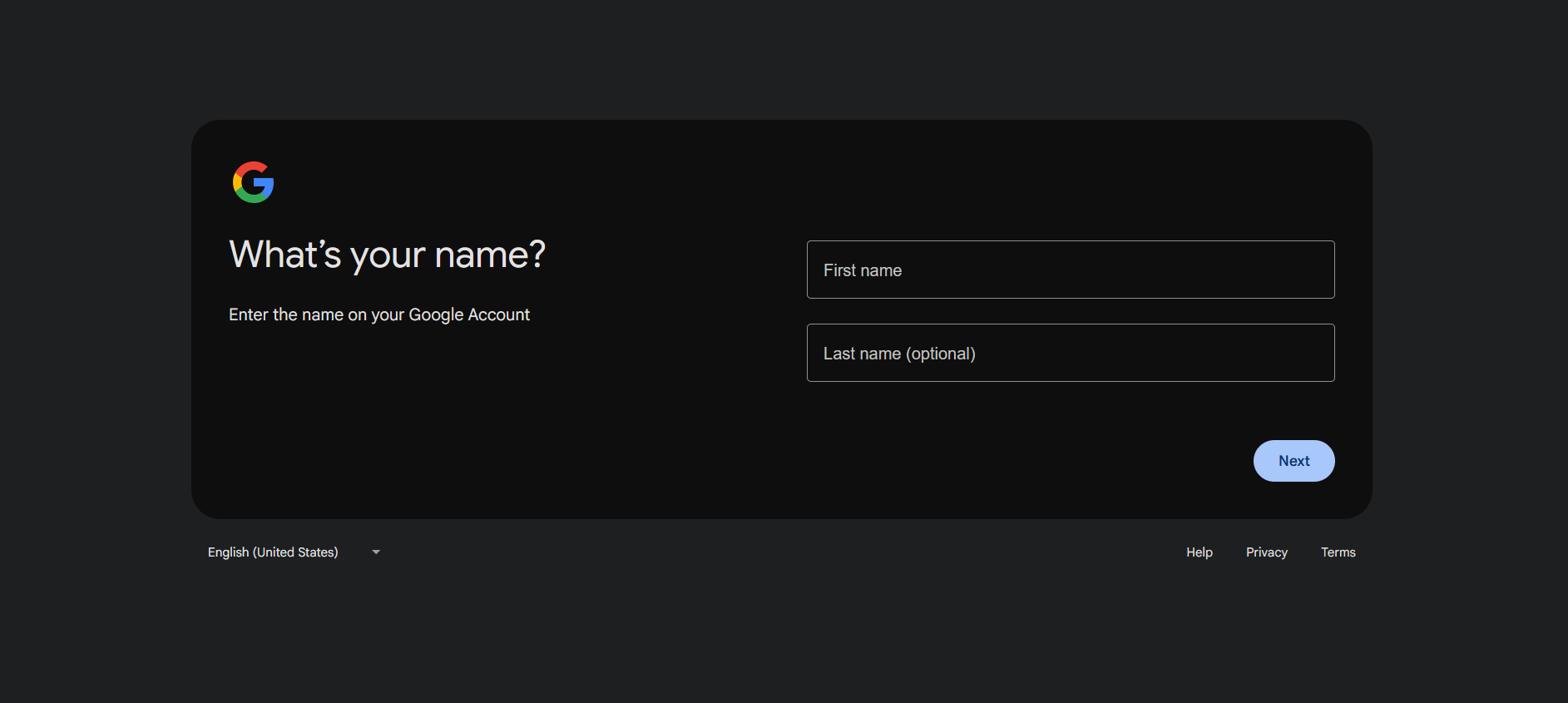
After entering a phone number you'll be asked for your account's name and when you enter it the following request will be sent
If an account with that phone number and account name is found you'll be asked if you want to send an SMS verification code to the number.
After playing with the request for a bit I found that these are the only values needed for a valid request to be sent
- No real cookies are required, you can just provide a cookie with a random name and random value
- The _reqid parameter in the URL can be any 5 digit number
- The request body only needs the "f.req" and "bgRequest" parameters.
But what is "f.req" and "bgRequest"?f.req contains information necessary for the request. The phone number you are looking up, the account name, etc.
bgRequest is the BotGuard token needed make the request. It's a token generated on the client's side that by my understanding contains all kinds of encoded information about the user's behavior and it's used to determine whether you are a bot or not. If the user is determined to be a bot then they would be redirected to do a captcha and we don't want that.
Here's some other things I figured out through a lot of trial and error:
- If your BotGuard token was not generated through Google Chrome it will almost always be flagged as a bot (damn they really hate firefox).
- If you send too many requests from 1 IP you'll be timed out
- Reusing BotGuard tokens will also flag you as a bot
- When a BotGuard token is generated it has the account name you are looking up encoded inside it and if you try to use it with a different name it will result in an error.
- There are phone numbers that when looked up through the form will always result in a found account no matter of their name.
Understanding the server response is also another crucial part of the attack. Here is what the response looks like when an account has been found:
Here is what the response looks like when an account hasn't been found:
And here is what the response looks like when you need to complete a captcha:
After staring a the responses for days I came to the conclusion that the second number in the request body is a status code, since it seemed to be consistent when an account was found. Here's all the status codes I found and what I think they mean:
6 - An account was found based on the information provided
7 - No account was found matching the provided information
5 - The sender's tokens and IP address are being timed out temporary, because they've sent to many requests or flagged as bot
16 - The request was rejected for using invalid tokens or the user has sent to many requests after temporary time out (response code 5) from a single IP address and is timed out indefinitely
err - An invalid request was sent
To generate BotGuard tokens we have 2 options. Reverse engineer the obfuscated Javascript of the page or automate the process of generating BotGuard tokens by simulating a browser. I'm not reverse engineering shit, so I went with the second option. And it wasn't that hard, there were 3 main things to do in order to not be considered a bot.
1. Don't start the browser in headless mode
2. Use a browser driver that can't be detected as automated (I used undetected_chromedriver)
3. Use Chrome (duh)
Using this information I was able to make python program that generates valid BotGuard tokens using selenium and undetected_chromedriver that navigates to the page, sends a lookup request, captures the BotGuard token and saves it.
The end goal here is to make a program that can brute force the phone number of a Google account. If we tried to brute force every possible phone number in the world this would take too long, but we don't have to.
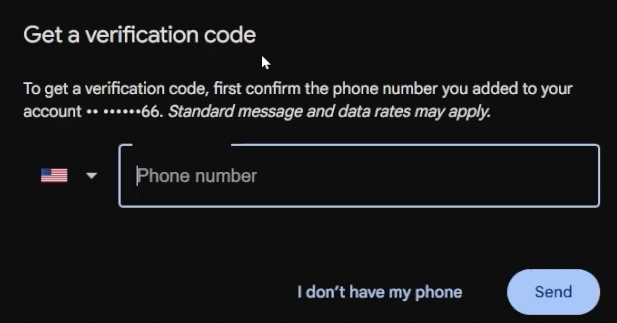
When recovering your account, Google gives a mask of the phone number tied to your account and the last 2 digits of it. The mask uses the libphonenumber national mask. Since most countries have different masks we can almost always determine where a victim's phone number is from if we have their email. I made a program that takes a victim's number mask and compares it to every libphonenumber national mask and generates all the possible phone numbers for it. This way we are able to significantly reduce the possible combinations for a phone number and save a lot of time. For example if the victim has a Dutch phone number tied to their account then that leaves us with only 600,000 possible phone numbers.
I'm not gonna lie I took the idea from brutecat's post , I wasn't gonna come up with this myself.
If we want to leak an account's phone number only using their email address then we need to figure out a way to leak their account name. I was not able to find a universal way of leaking anyone's name,
but there's still some ways worth exploring.
If the victim has ever left a review on Google Maps then their account name is public. This is because when you make your first contribution to Google Maps you create a contributor profile, which always has the same name as your account. We can see someone's contributor profile by visiting their page, which has the following URL:
A Gaia ID is a unique identifier that every Google account has. And if we have someone's email, there are many ways to obtain their Gaia ID. One way is to go to Google Chat , start a chat with the email of the victim and visit their Contacts page
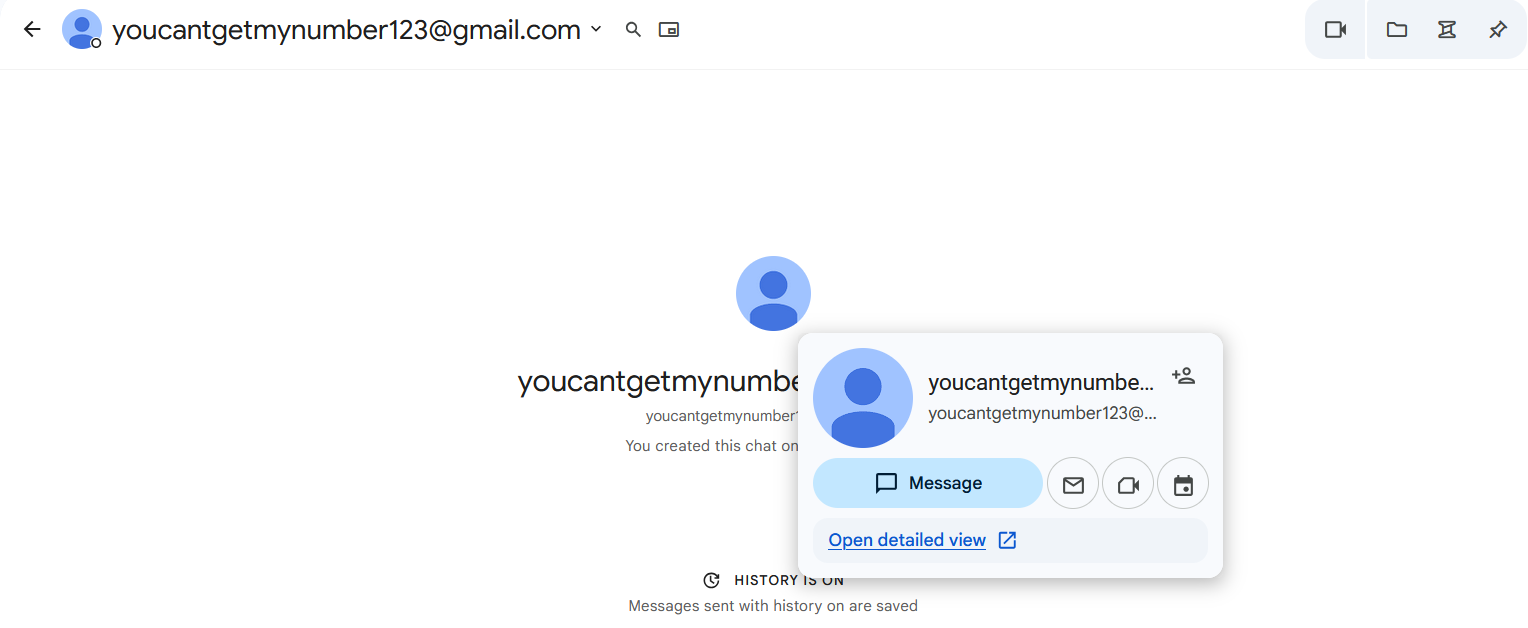
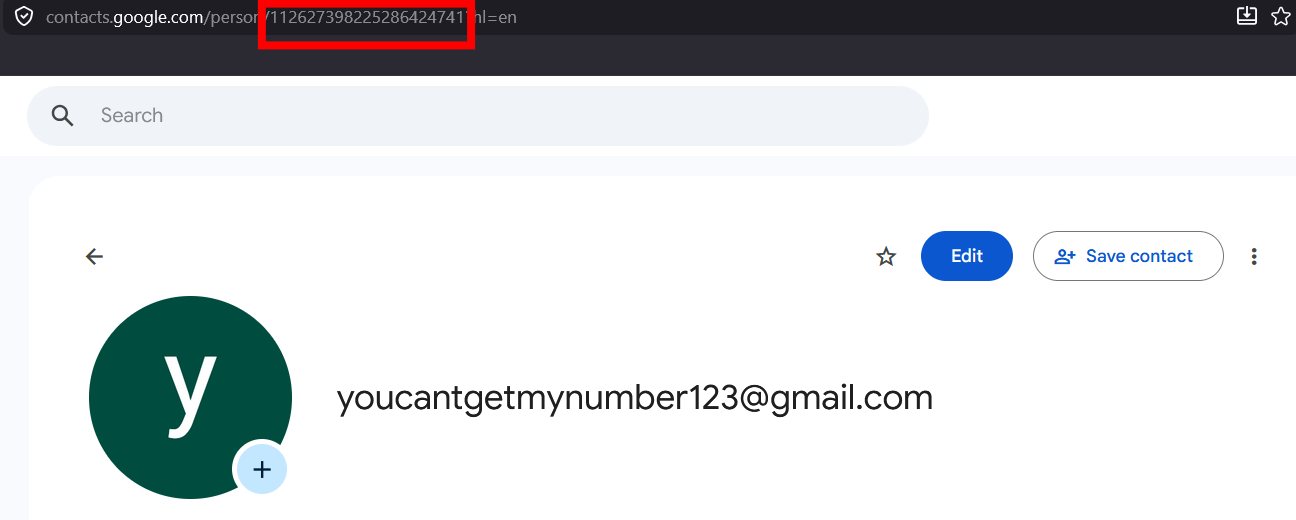
Their Gaia ID will be in the URL.
InteractionsGoogle will reveal someone's account name if they interact with your account somehow. One example would be them sending you an email. The easiest way that I found for someone to interact with you is to make a Google Drive file and request to transfer ownership to them. If the victim accepts or declines your request then you'll receive an email with their account name.
So now we just need a program that:
- Sends lookup requests for all the possible phone numbers
- Rotates through residential proxies and BotGuard tokens when they get timed out
(For the residential proxies I chose
webshare
, but any other service will do.)
- Checks if the phone number really belongs to an account with the given name
It took some time, but finally I had something. I started it and... I still got timed out.

Turns out not only does the form time out IPs and Tokens, but also the usernames that you are looking up. After sending about 150-200 requests for a username it would get timed out for about 4 minutes. Enough to make this attack impractical. I was ready to give up. I had been staring at this form for about 2 weeks at that point and was about to END MY SHIT...

Then I thought, what if the form was case insensitive. What if an account could be found regardless of upper and lower case letters, but it was still treated as different name lookups so they would be timed out separately. This was my last chance.
After modifying the code a bit... IT WORKED!!!

LETS FUCKING GOOOOOO!!!!
This is what I got:
And here is the
code
If we only have a victim's email address then we would need to leak their account name through either Google Maps or making them interact with us. The benefit of having a victim's email is that we can narrow down the possible phone numbers, using their phone mask and hint.
If we only have a victim's account name we can still leak their phone number, but it would take longer, because we would have to generate every possible phone number for their country, if we even know their country. One such vector would be Google Maps, where everyone's account name is public.
Additionally a name's length is also very important to the attack's speed. If a victim has 5 total letters in their first and last name then that gives us just: 2⁵ = 32 possible names to rotate through in the span of about 4 minutes. If we assume that we get 175 lookups per name that gives us:
(32 * 175) / (4 * 60) = 23.3332 lookups a second.
But if our victim has 10 letters in both their names that gives us 2¹⁰ = 1024 names to go through or:
(1024 * 175) / (4 * 60) = 746.6667 lookups a second.
At that point your only limitation would be computing power since you'd have to generate unique BotGuard tokens for all of those names. In my PoC video I only used 2 Chrome windows, each with 8 tabs, because I was running it on my slow laptop and that was its limit.
I also purposely named the victim account with a long name.
I sent a report with all my findings on 25/01/2026 and after only a month it got accepted.
Then a month after that I got awarded $1337.
Reasoning: "Exploitation likelihood is medium. Issue qualified as an abuse-related methodology with medium impact."
After appealing the decision and waiting yet another month I got awarded additional $1796.
Reasoning: "Exploitation likelihood is medium. Issue qualified as an abuse-related methodology with high impact. We applied 1 downgrade from the base amount due to the time and resources required to brute force a single phone number."
Finally I publicly disclose on 06/06/2026 - 132 days after reporting
If you like having to always argue for the impact your bug and waiting in the dark for months I definitely recommend Google VRP.
 ⠀Chapters ???